Listing text
en-US
Title 16/30 characters · from listing uploader
Section Launcher
Short description 63/80 characters
Organize your apps into sections. Clean, fast, and fully yours.
Full description 1270/4000 characters
Section Launcher puts you in control of your home screen.
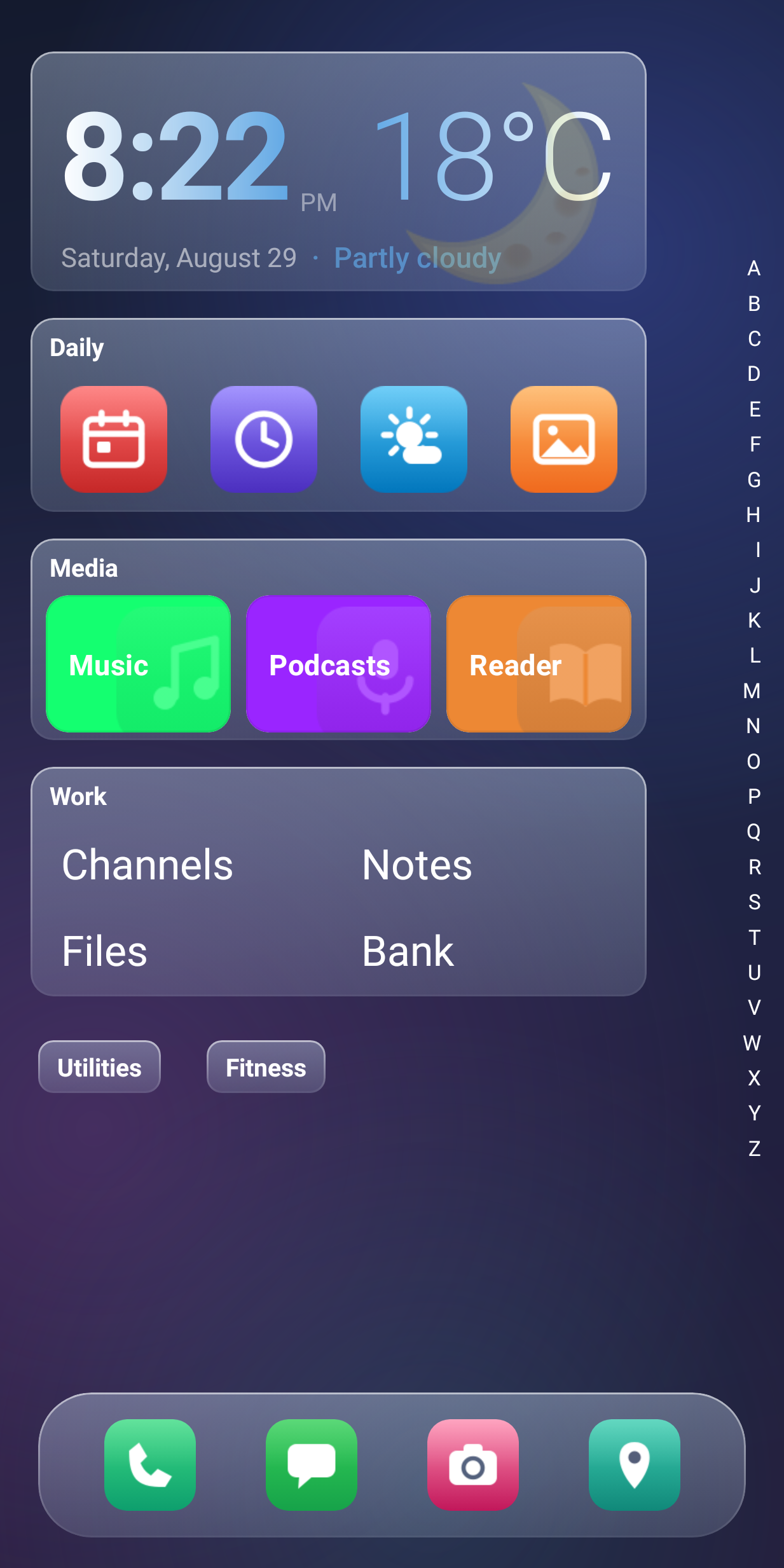
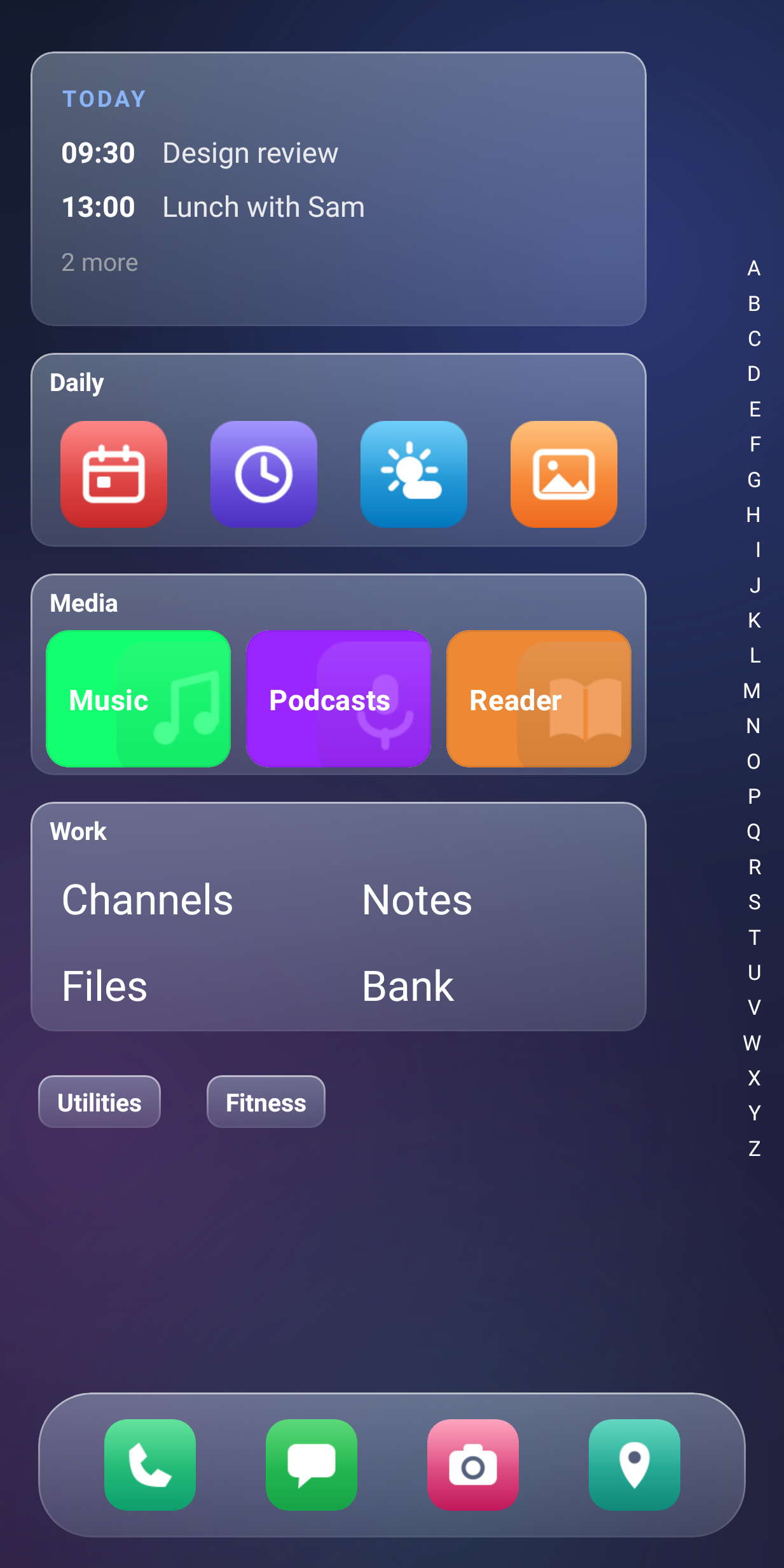
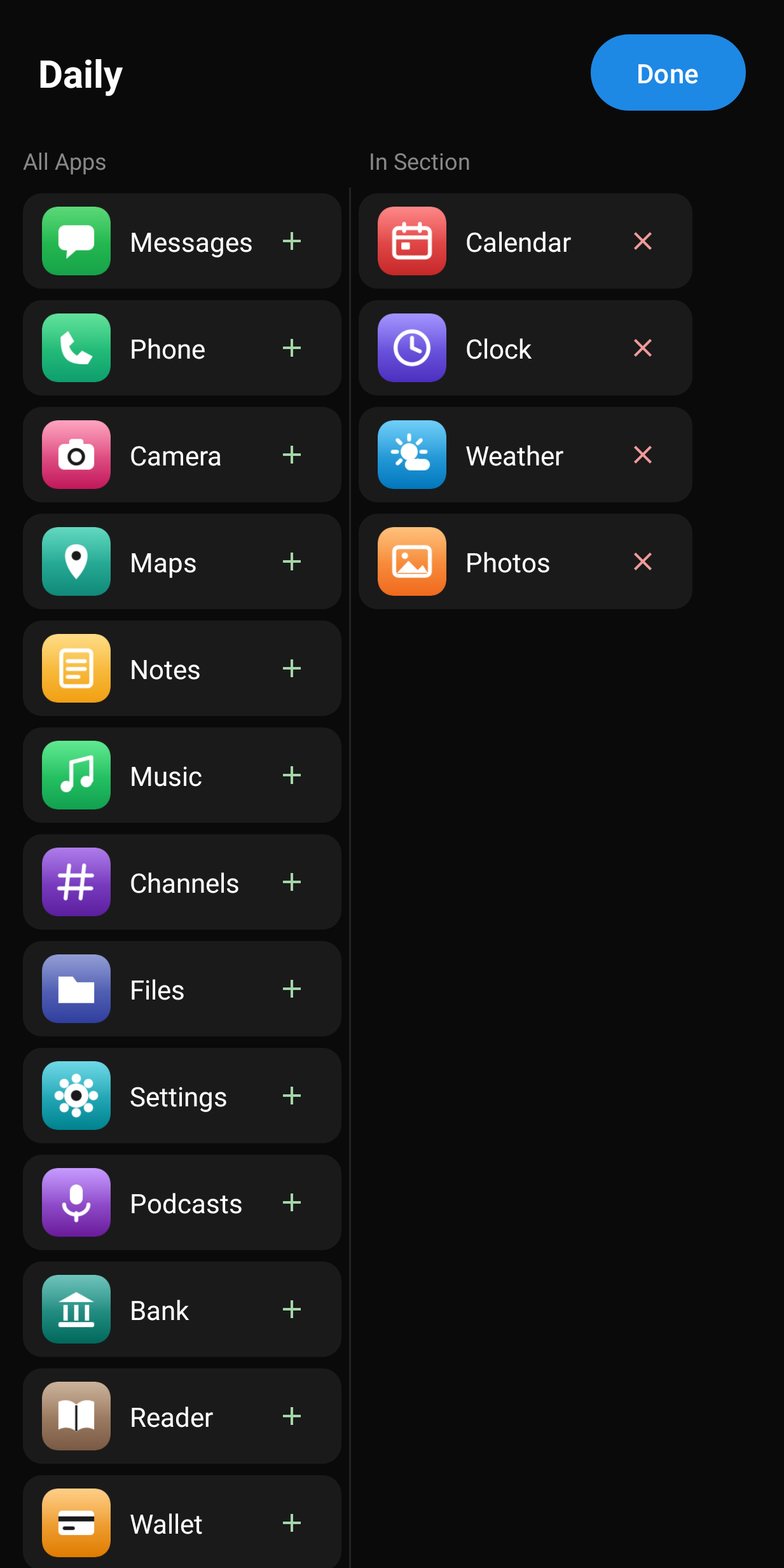
Instead of a sea of icons, organize your apps into named sections — Social, Work, Media, or anything you want. Creating a section takes seconds, and styling it is just as easy: choose from list, tile grid, or text-only display, pick your icon size, toggle labels, and adjust the look until it feels right.
Section Launcher also pays attention to what you actually use. Your most-opened apps surface automatically so your home screen stays useful without any extra effort.
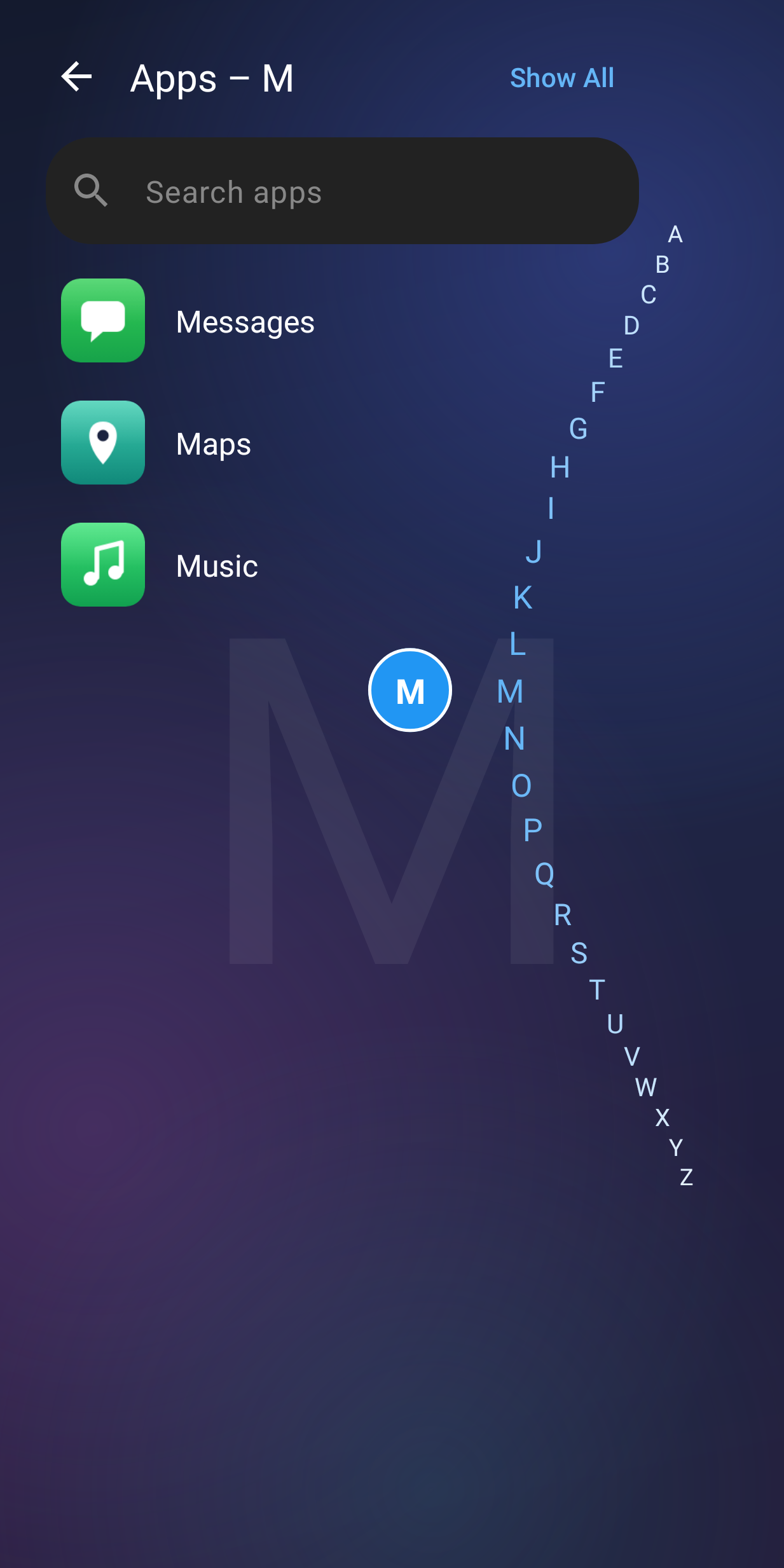
Getting around is effortless too. Wave your hand near the top of the screen to open the app drawer instantly — no tapping required. From there, jump to any letter with the A–Z index or search for any app in a keystroke.
Features:
• Sections with multiple display modes: list, tiles, or text
• Easy to create, easy to style — customize each section independently
• Auto-surfaces your most-used apps
• Wave gesture to open the app drawer
• Clock card with live weather
• Fast app drawer with A–Z index and search
• Collapsible sections to keep things clean
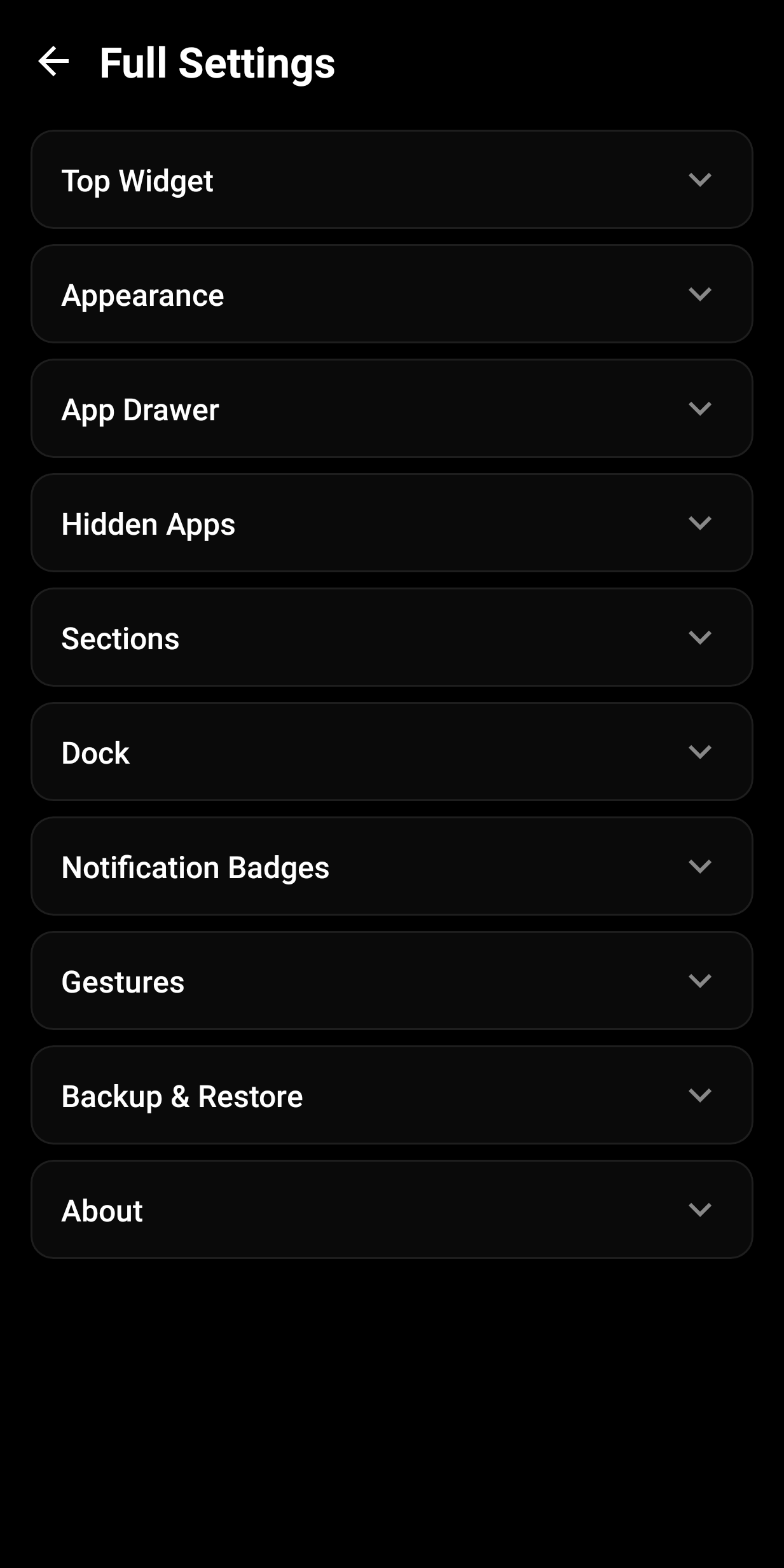
• Customizable dock
• Drag and drop to reorder sections and apps
• Hue overlays and background customization
• Gesture shortcuts (double tap, swipe)
• Backup and restore your layout